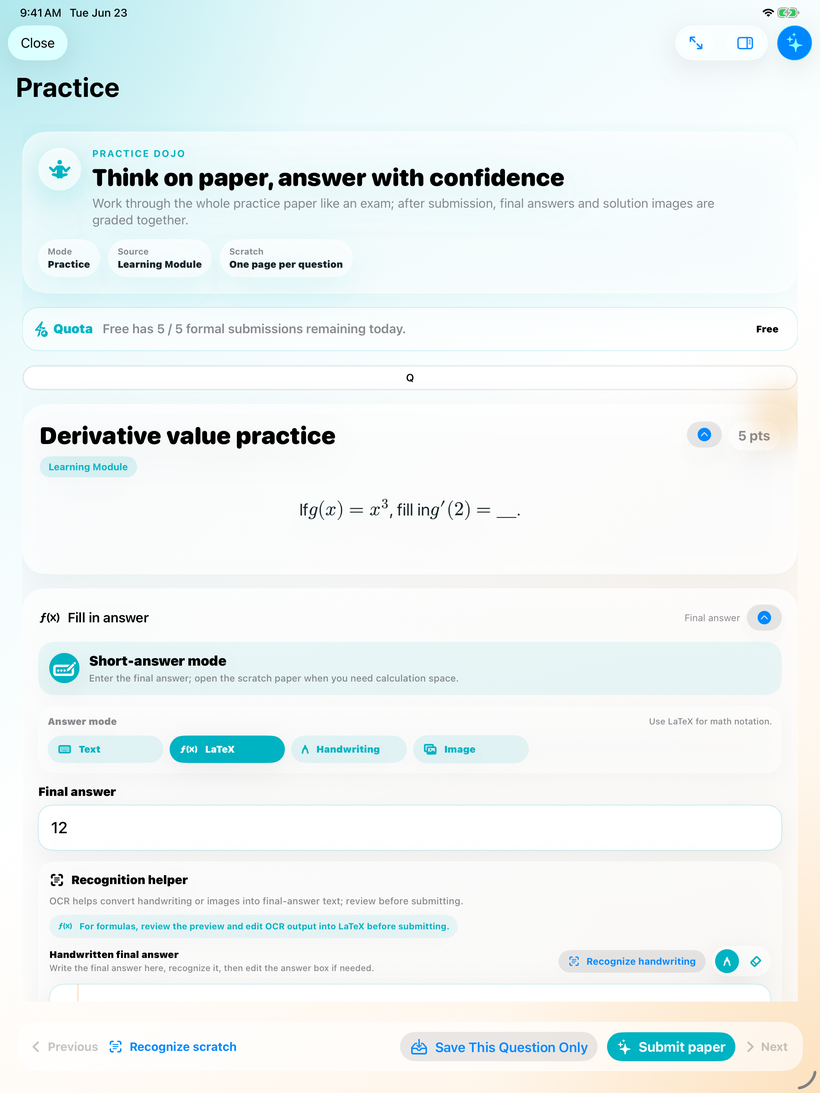
Answer the Paper
Work through practice like an exam, with per-question scratch space and multiple answer modes.
Product Spotlight
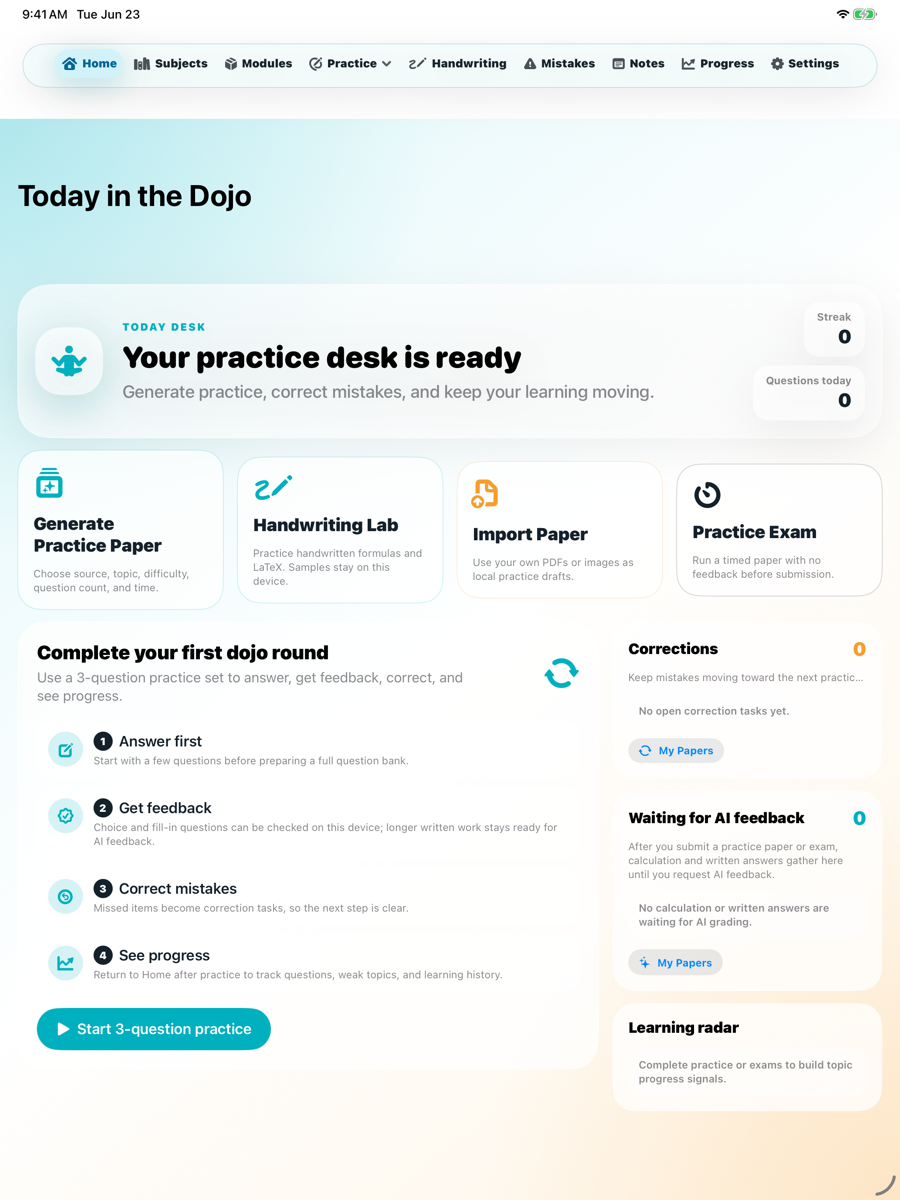
An iPad-first universal iPhone/iPad practice app for individual learners. Nerd Dojo connects generated practice papers, per-question scratch paper, final answers, correction, mistake review, and local-first progress tracking into one self-study loop.
Nerd Dojo is built for learners who need a quiet, repeatable way to practice. It is not positioned as a school LMS or teacher dashboard.
To appear.
Individual learners, families, tutors, and self-study students who want structured practice with handwriting-friendly math or STEM work.
Choose a module, generate or open a practice paper, solve with text, LaTeX, handwriting, or images, submit, review feedback, correct mistakes, and watch progress update locally.
Local-first, learner-owned, iPad-friendly, and AI-optional. The app can work as a study desk even when no account, class roster, or cloud workspace is involved.
These App Store screenshot candidates show the actual learner flow: answer, review, correction, mistake book, and progress.
Work through practice like an exam, with per-question scratch space and multiple answer modes.
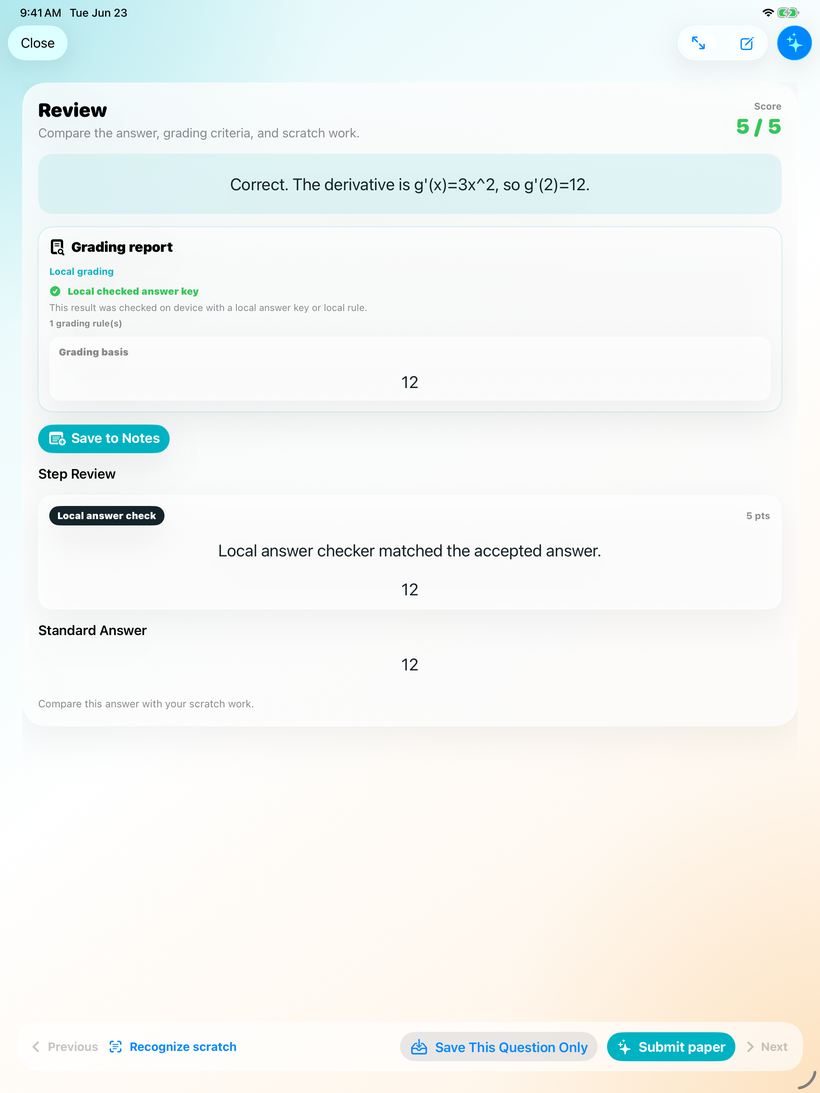
See what needs review and keep AI-assisted feedback clearly separated from learner judgment.
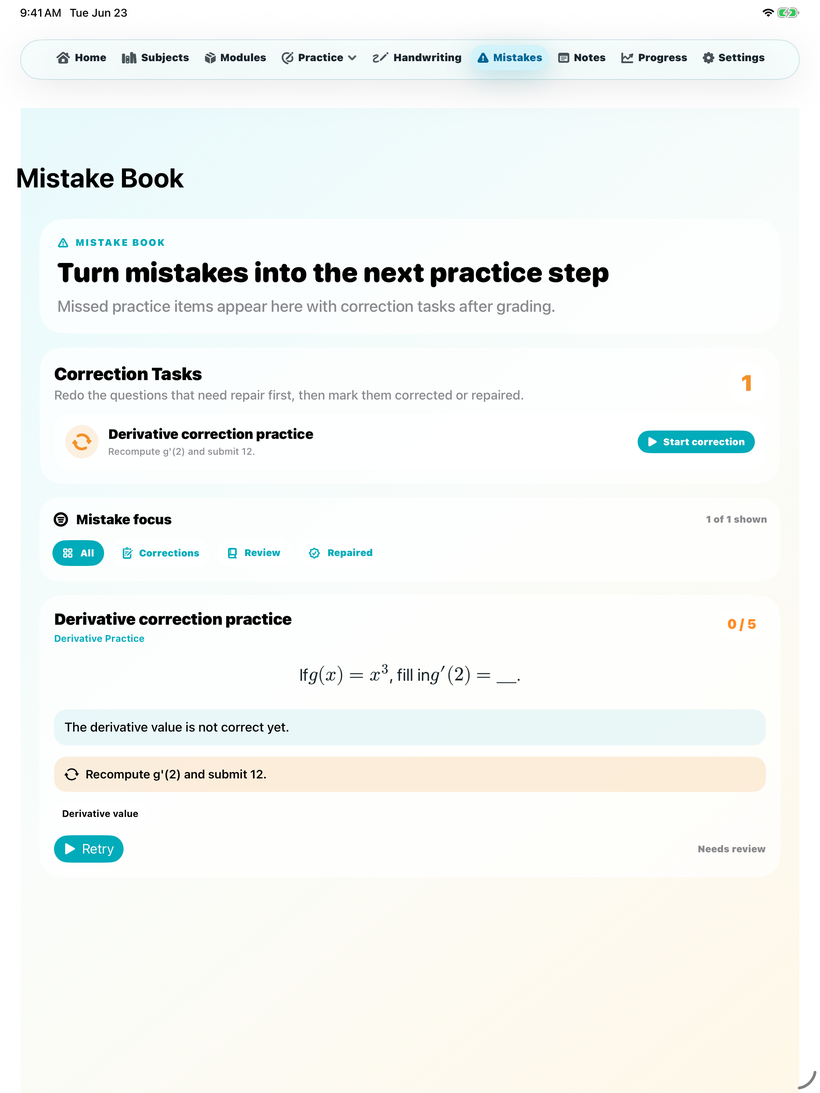
Turn missed questions into correction tasks instead of letting them disappear after one attempt.
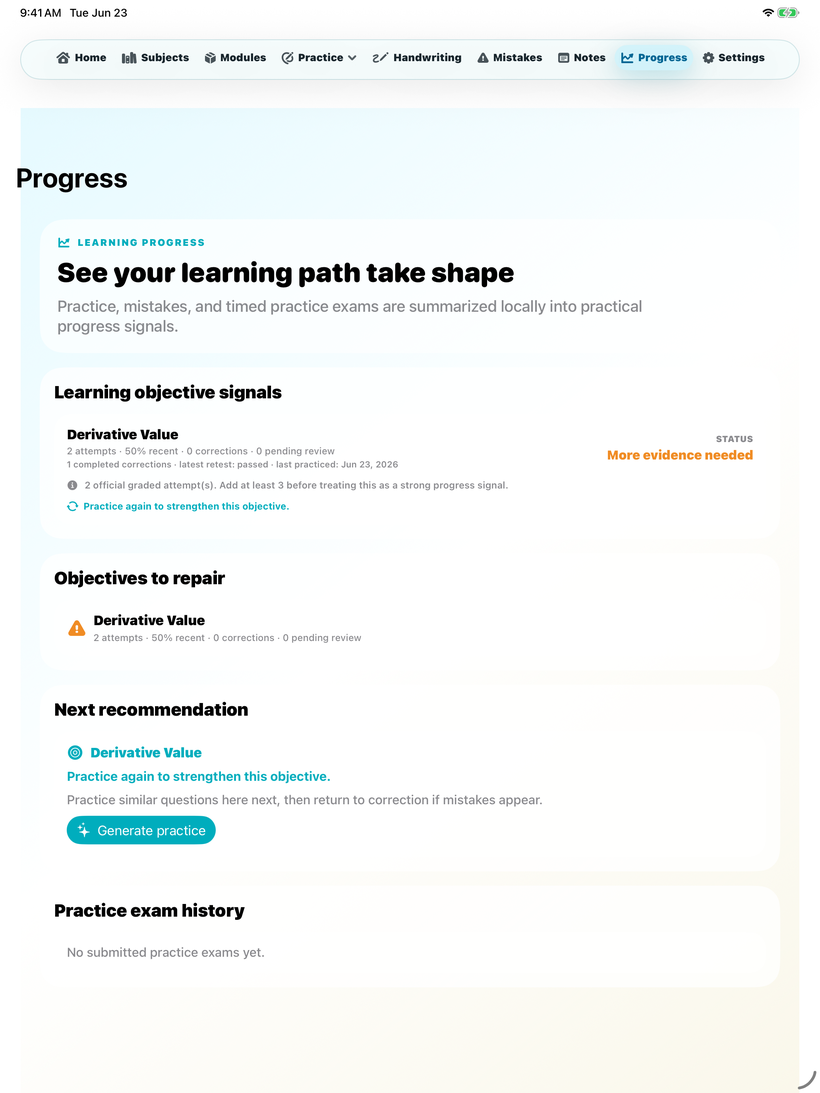
Progress belongs to the learner and is designed to stay on the device by default.
The app is intentionally focused on a small number of learning behaviors that repeat often.
Learning modules, generated papers, answers, corrections, mistake review, and progress are connected in one learner-owned workflow.
Per-question scratch paper supports Apple Pencil or touch input, making it suitable for math and science practice where written reasoning matters.
AI-assisted grading or explanation features are optional and depend on the provider and API key selected by the user.
These points are important for App Store review, parent review, and users who want to understand how learning content is handled.
Use these URLs for app review metadata, in-app legal links, and support routing.
Nerd Dojo is now available on the Apple App Store for iPhone and iPad.
 Open Nerd Dojo on the App Store
Includes Nerd Dojo local-first learning data, handwriting, AI provider, BYOK, export, and deletion disclosures.
Privacy DetailsCovers educational use, user responsibility, AI output limitations, and acceptable use.
Terms of UseContact BridgeAIWorks support with the app name, version, device, OS version, steps, and screenshots.
Support